Todoist Alternatives 2026: 8 Options Compared
Todoist works great until it doesn’t. Maybe 400 tasks have piled up in your inbox, you can’t tell which ones matter, and another renewal charge just showed up. If that’s you, here’s what matters: TickTick and Things 3 will take most of what you do in Todoist with minimal friction. Trello wins if you think in boards. Notion wins if you want notes and tasks together. Microsoft To Do is your free option. And if your real problem isn’t the app - it’s that you’ve never had a system built on a destination instead of just another list - Zorga is built specifically to fix that.
Let’s figure out why you’re looking to leave, then match you to an actual solution instead of making you test eight apps.
Why Todoist Users Switch in 2026
Todoist doesn’t fail because it’s broken. It fails because it does one job (collect tasks) and stops. After reading hundreds of Reddit threads, app store complaints, and support requests, the reasons fall into three categories. Find yours before you pick a replacement.
You Have Tasks but No Sense of Direction
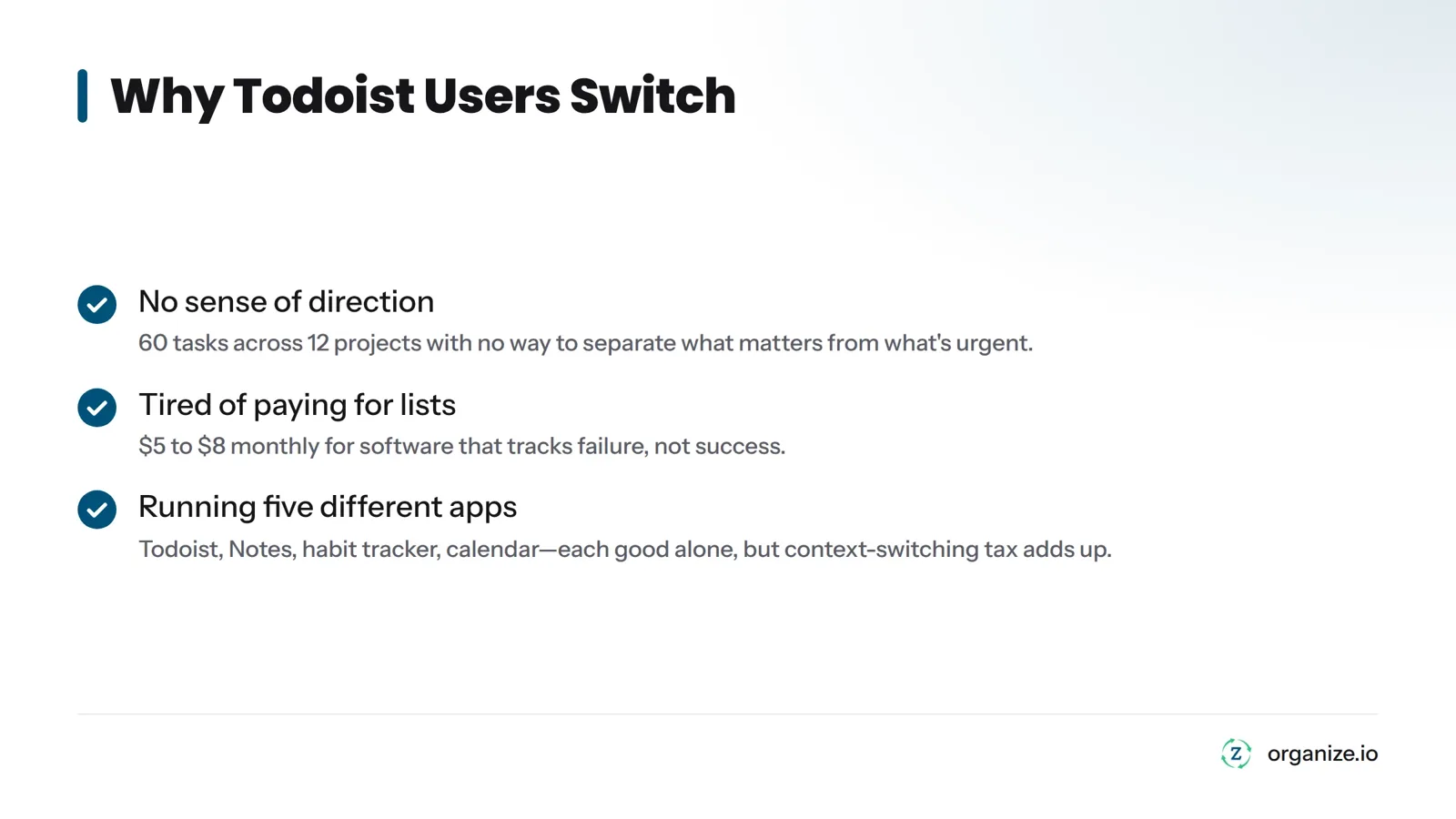
Todoist is a flat list with folders. You can create nested projects, but nothing in the app connects a task to a goal. So you end up with 60 tasks across 12 projects, all screaming equally, and you can’t separate “renew passport” from “launch the product that actually moves my business.” The app never asks why a task exists, only when it’s due. That works if you already know your priorities. It fails if you don’t.
You’re Tired of Paying for List Management
Todoist Pro costs money every year, and so do TickTick, Notion, and ClickUp. A 2026 Deloitte survey on digital subscriptions found that US households juggle multiple paid subscriptions and actively look for ways to cut them. Productivity apps are easy targets because the pain is invisible every month but obvious when the annual charge hits. You’re paying $5 to $8 monthly for software that tracks whether you failed to do something, not software that helps you actually do it.
You’re Running Your Life on Five Different Apps
You’ve got Todoist for tasks, Apple Notes or Notion for ideas, a habit tracker, and a calendar that doesn’t talk to anything else. This is tool sprawl: different apps each doing one job well, but requiring you to manually connect them every morning. The cost isn’t any single app. It’s the context-switching tax of opening five tools before you’ve done any real work.
Which one is you?
- No direction: You have tasks but no way to know which ones move you forward. Jump to the Zorga section.
- Subscription fatigue: Annual charges bug you and results haven’t changed. Look at the one-time-payment options.
- Tool sprawl: You’re running three or four apps for one life. Look for the all-in-one picks.
How This List Was Built
I evaluated these based on three questions, not feature checklists: Does this tool show you what matters or just give you a longer list? Does it replace other tools or add another one to your stack? What does it actually cost over two or three years, not the intro price?
Every price below was checked against each vendor’s live pricing page in October 2026. Verify before you buy. I work for Zorga, which is one option here. I’ve tried to describe its real limits honestly instead of oversell it, and you can judge the rest on their own merits.
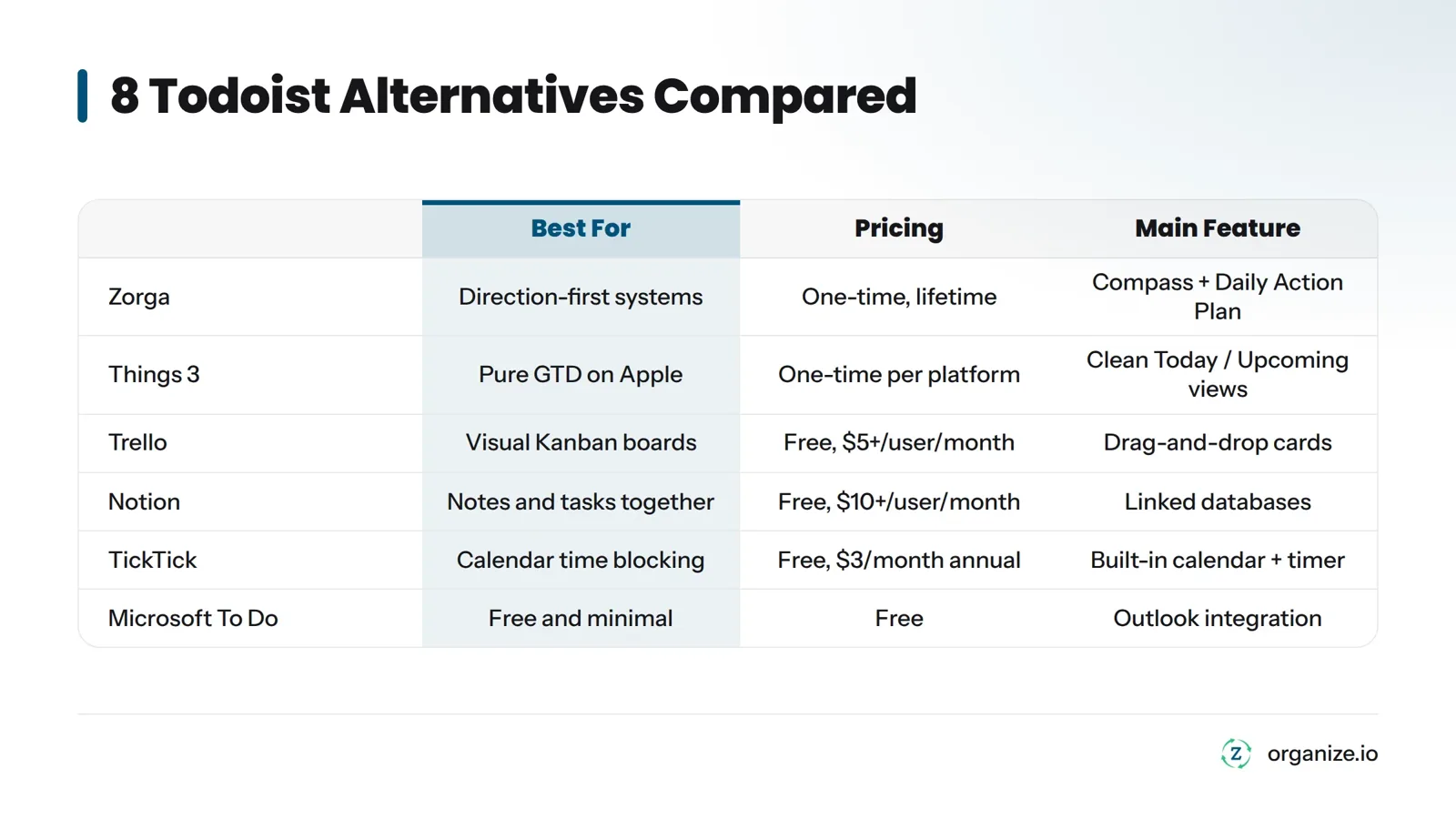
| Tool | Best For | Pricing | Platforms | Main Feature |
|---|---|---|---|---|
| Zorga | Direction-first systems, dumping subscriptions | One-time, lifetime | Web, iOS, Android, Chrome | Compass + Daily Action Plan |
| Things 3 | Pure GTD on Apple | One-time per platform | Mac, iPhone, iPad, Watch | Clean Today / Upcoming views |
| Trello | Visual Kanban boards | Free, $5+/user/month | Web, iOS, Android, desktop | Drag-and-drop cards |
| Notion | Notes and tasks together | Free, $10+/user/month | Web, iOS, Android, desktop | Linked databases |
| TickTick | Calendar time blocking | Free, $3/month annual | Web, iOS, Android, desktop | Built-in calendar + timer |
| Microsoft To Do | Free and minimal | Free | Web, iOS, Android, Windows | Outlook integration |
| Any.do | Daily planner | Free, $3/month annual | Web, iOS, Android | Simple daily planning |
| Super Productivity | Developers and Git workflows | Free, open source | Web, Linux, Mac, Windows | GitHub / GitLab sync |
Last reviewed: October 2026.
Zorga: Build Direction Before You Build a To-Do List
Zorga isn’t a task manager with extra buttons. It starts somewhere Todoist never does: your direction.
Here’s how it works. You build your Compass - a map of your goals and vision - before you add any tasks. From there, Zorga creates your Daily Action Plan, a short daily list pulled from your actual goals instead of an inbox with no bottom. A Weekly Review looks at whether last week’s actions moved you closer to what you said you wanted or just kept you busy. Focus Sessions protect blocks of time for the work that matters. An AI Coach nudges you when your daily actions drift from your stated direction.
Who it’s for: People who’ve tried Todoist, Notion, and half the productivity books in print and still feel like they’re managing a list instead of a life. If you know what to do but can’t stay pointed at why, this is built for you. If you’re a dev team managing shared boards and Git hooks, look at Super Productivity instead.
What it does well:
- Starts with goals and vision, not an empty inbox
- One-time lifetime payment instead of recurring charges
- Consolidates goal tracking, daily planning, and weekly review into one system instead of three
- AI Coach keeps your day aligned with what you said matters
Where it falls short:
- Smaller integration library than Todoist or Notion
- Built for one person, not teams managing shared projects
- Goal-first setup takes more upfront work than dumping tasks into a list
Pricing: One-time payment for lifetime access. Check Zorga’s guarantee and pricing for current numbers.
For a deeper comparison between Zorga and Todoist on specific features, read why app-hopping never fixes productivity. And if the “no direction” problem resonated, this breakdown of why productivity apps fail without direction is worth reading next.
Things 3: The Cleanest GTD Experience on Apple
Things 3, made by Cultured Code, is as close as you get to a GTD purist’s app. David Allen’s Getting Things Done method asks you to capture everything, clarify what it means, organize it by context, and review it regularly. Things 3’s “Today,” “Upcoming,” and “Anytime” views map onto that discipline without feeling like a spreadsheet.
Strengths:
- Fast native interface built for Apple hardware
- Natural language input for dates and recurring tasks
- One-time purchase per platform, no subscriptions
Limits:
- Apple only. No Windows, Android, or web
- No free trial beyond a limited demo
- No team collaboration features
Pricing: One-time purchase, separate for Mac, iPhone/iPad, and Apple Watch. See Things 3’s pricing page for current rates.
Trello: Kanban Boards Instead of Lists
Trello, from Atlassian, moves work around as cards on columns instead of a scrolling list. If you think in boards instead of bullet points, this is the mental model that clicks. A Kanban board - a system that started on Toyota factory floors and got adapted for office work - shows work moving through stages: “To Do,” “Doing,” “Done.” The Kanban Wikipedia article covers the manufacturing history if you want the full backstory.
Strengths:
- Intuitive drag-and-drop anyone learns in minutes
- Strong free plan for solo projects
- Power-Ups add features without needing a different app
Limits:
- Gets messy fast with complex hierarchies or dozens of cards
- Weak recurring task support compared to Todoist
- Built for project tracking, not daily task triage
Pricing: Free tier available. Paid plans for teams start around $5 per user per month. See Trello’s pricing page for current rates.
Notion: Notes and Tasks in One System
Notion solves tool sprawl by combining tasks, notes, docs, and databases in one space. If you take meeting notes, draft project plans, and track tasks across different apps, Notion collapses that into one place by letting you link a task directly to the note that started it.
Strengths:
- Link tasks to notes and projects in one hierarchy
- Deep customization through templates and views
- Good for teams that need a shared knowledge base
Limits:
- Real learning curve. Building a working system takes serious setup time
- Performance can slow with large databases
- Easy to spend more time organizing Notion than doing the actual work
Pricing: Free plan for individuals. Paid plans for teams start around $10 per user per month. Check Notion’s pricing page for current options.
TickTick: Built-In Calendar and Timer
TickTick is the Todoist alternative most people mention first, and for good reason. It matches Todoist’s core task features and adds a calendar view and Pomodoro timer built in, so you can time-block without opening a second app.
Strengths:
- Calendar view built into the app, no separate calendar needed
- Pomodoro timer and habit tracker included
- Strong natural language input for fast task entry
Limits:
- Interface feels busier than Todoist’s design
- Some features locked behind Premium
- Still a flat system with no goal hierarchy like Todoist
Pricing: Free plan covers core features. Premium costs roughly $3 per month billed annually. Verify on TickTick’s pricing page.
Want to see Todoist and TickTick side by side? Here’s a video comparison:
Microsoft To Do: Free and Simple
Microsoft To Do is the simplest tool here, and that’s the point. If your task list got complicated and you want something clean, free, and reliable, this removes everything extra. It’s especially strong if you already use Outlook or Microsoft 365, since tasks flagged in Outlook email show up automatically.
Strengths:
- Completely free
- Deep integration with Outlook, Microsoft 365, and Teams
- Clean interface with almost no learning curve
Limits:
- No Kanban view, no calendar, no time blocking
- Minimal customization compared to Notion or ClickUp
- No real project structure for complex, multi-step work
Pricing: Free, no paid tier. Details on Microsoft To Do’s page.
Any.do and Super Productivity: Narrower Wins
Two more options solve specific problems well.
Any.do works as a lightweight daily planner with a free plan and a low-cost Premium tier (roughly $3 per month billed annually). It’s a reasonable middle ground if TickTick feels too busy and Microsoft To Do feels too bare.
Super Productivity, an open source tool built by developer Johannes Millan, is free and built for developers. It has native Git integration, keyboard-first navigation, and a local-first architecture that keeps your data off third-party servers. If you’re a developer who wants GitHub or GitLab issues synced directly into your task list, this is the most purpose-built option on this list.
Pick Based on Your Real Problem
Stop reading reviews. Pick based on what’s actually wrong with your current setup.
| If you want… | Pick |
|---|---|
| A system that starts with goals, not tasks, and no more subscriptions | Zorga |
| The cleanest GTD on Apple | Things 3 |
| Visual boards instead of lists | Trello |
| Notes and tasks in one place | Notion |
| A built-in calendar and timer | TickTick |
| Free and minimal | Microsoft To Do |
| A lightweight daily planner | Any.do |
| Git integration and keyboard workflows | Super Productivity |
Notice how many of these still charge you monthly or yearly. Things 3 and Zorga are the only genuine one-time-payment options here. Todoist itself is a subscription, confirmed on Todoist’s pricing page.
If subscription fatigue is why you’re reading this, there’s your answer.
If tool sprawl is your real problem, the fix isn’t app number five. It’s picking one system that replaces three or four of the apps you’re currently running. That’s the entire premise behind Zorga’s all-in-one approach. Spend 15 minutes with it before you add another subscription to the pile.
How to Switch Without Losing Your Tasks
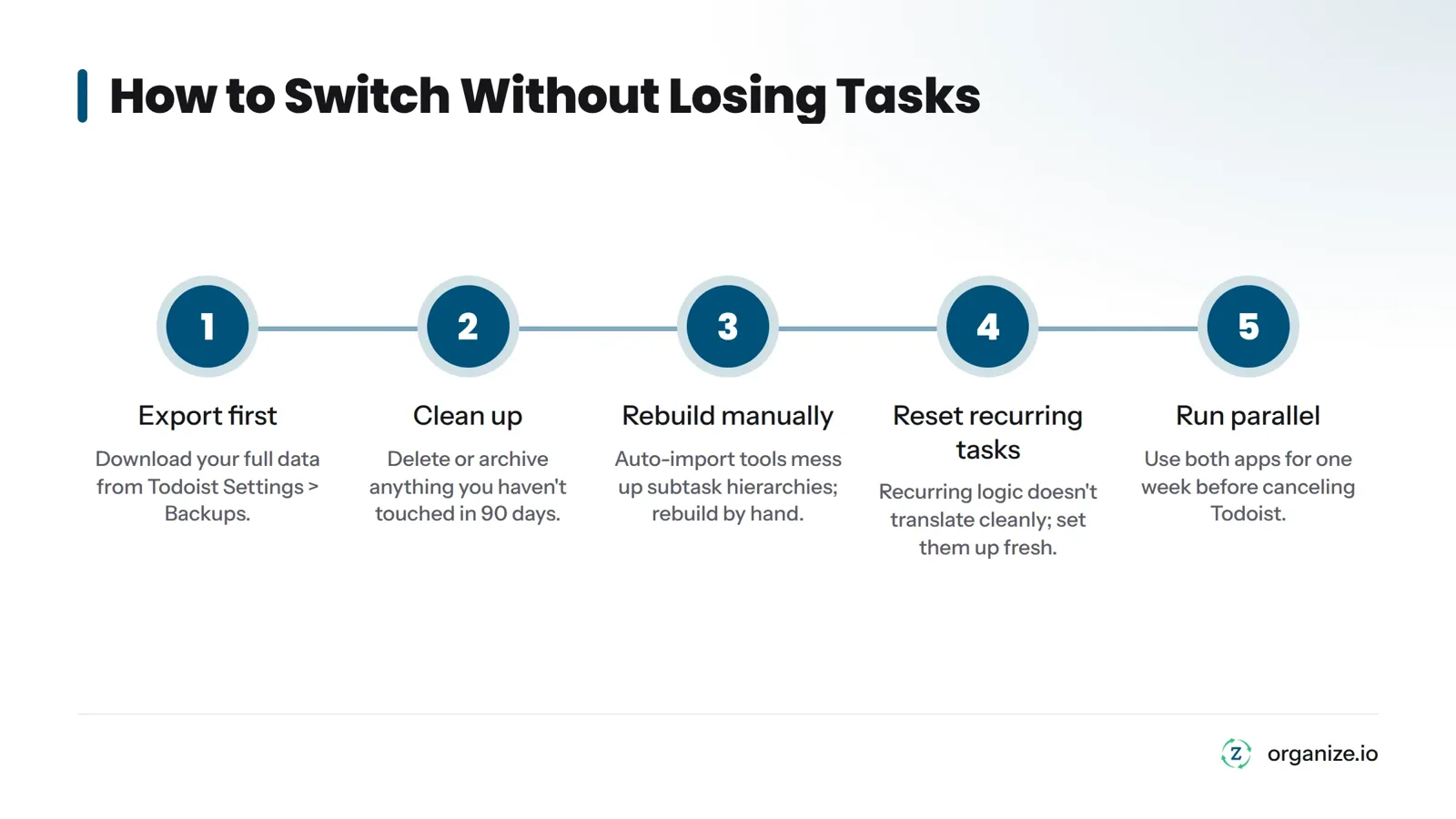
- Export first. Go to Todoist Settings, then Backups, and download your full data.
- Clean up. Don’t move dead tasks into your new system. Delete or archive anything you haven’t touched in 90 days.
- Rebuild manually. Auto-import tools often mess up subtask hierarchies. Rebuild your project structure by hand in the new app.
- Reset recurring tasks. Recurring task logic doesn’t translate cleanly between platforms. Set them up fresh.
- Run parallel. Use both apps for one week before canceling Todoist. Nothing falls through the cracks this way.
For a deeper walkthrough on turning a plan into daily actions once you’ve switched, this guide on breaking a plan into action points picks up where migration ends.
Common Questions
What’s the best free alternative to Todoist?
Microsoft To Do is the strongest fully free option, especially with Outlook or Microsoft 365. Trello and Notion both offer usable free plans, but heavy users bump into feature limits and eventually pay.
Why do people leave Todoist?
Three reasons cluster: they have tasks but no sense of direction, they’re tired of paying subscriptions for list management, or they’re scattered across separate apps for tasks, notes, and habits.
Can I get a Todoist alternative without a subscription?
Yes. Things 3 uses a one-time purchase. Super Productivity is free and open source. Zorga uses a one-time lifetime payment and also fixes the direction problem that a plain task app doesn’t solve.
How do I move my tasks from Todoist?
Export your full backup from Settings > Backups. Delete stale tasks before importing. Rebuild your project structure manually in the new app. Reset recurring tasks. Run both tools side by side for about a week before canceling Todoist.
What should I look for in a Todoist replacement?
Figure out your actual problem first: lack of direction, subscription cost, or tool sprawl. Match the tool to that problem. A longer feature list doesn’t fix a list with no sense of priority.
Can Notion replace Todoist?
It can, if you’re willing to build your system inside it. Notion’s databases let you connect tasks to notes and projects in ways Todoist can’t, but it has a real learning curve and nothing stops you from building something too complex to use.
Is TickTick better than Todoist?
TickTick matches most of what Todoist does and adds a calendar and timer at a lower price. If you want time-blocking without a second app, TickTick is stronger. If you prefer a cleaner interface, some people still prefer Todoist.
The Bottom Line
Every tool on this list does something well. Pick based on your actual problem, not the longest feature list. If cost is your issue, Things 3 or Super Productivity get you off subscriptions. If sprawl is your issue, Notion or Zorga consolidate your stack. And if you’ve tested five apps and the real problem has never been the app - it’s that you’ve never had a system built on a destination - that’s what Zorga solves. Read more about it on Zorga’s homepage or browse the Zorga blog for more on building a system that actually sticks.